


Multiplayer Gaming Safety for Kids: How Parents Can Create Safer Online Experiences
Simple ways to help your kids play, connect, and communicate more safely online
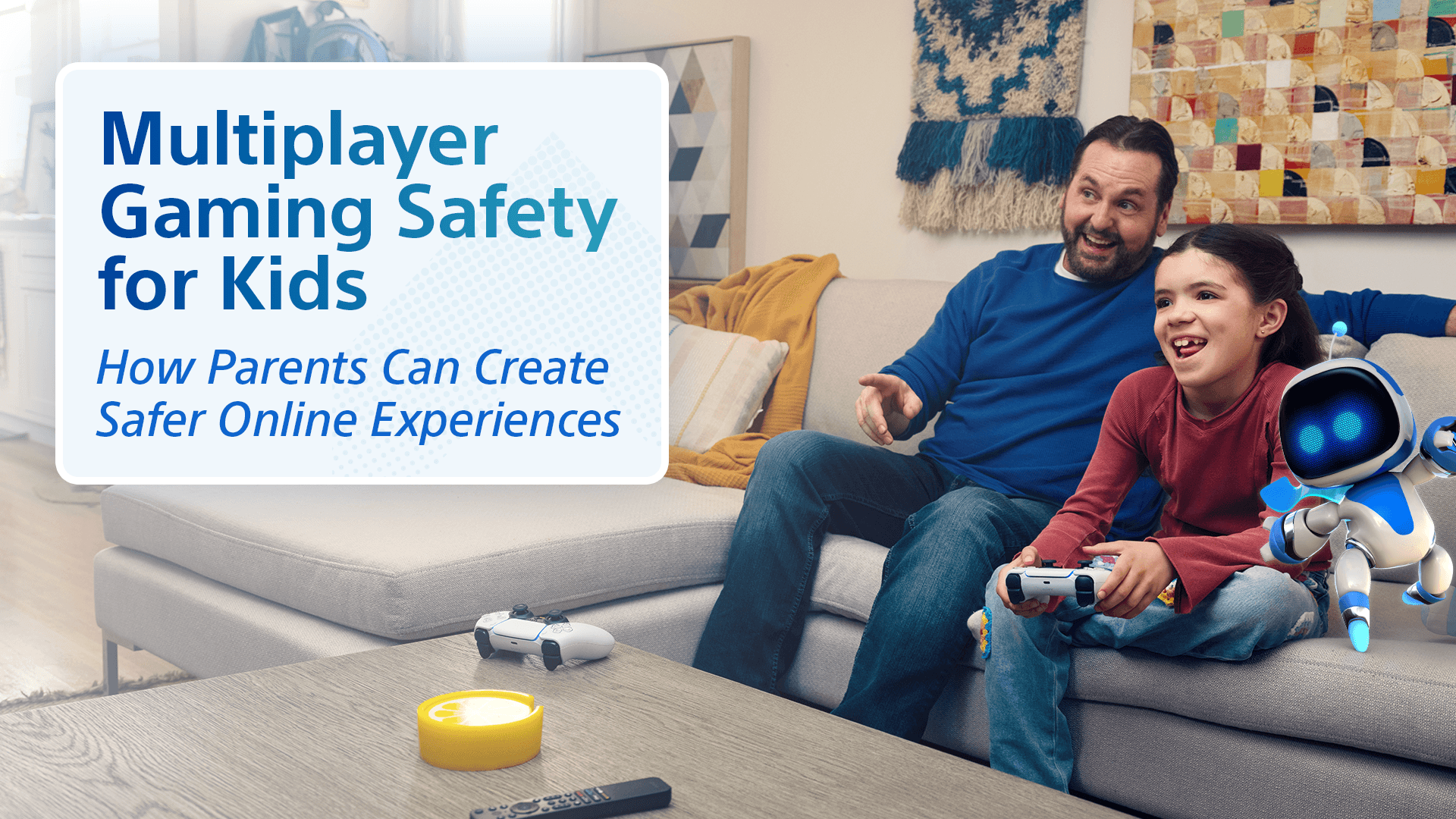
Multiplayer gaming safety for kids starts with knowing how your kids connect with other players—and giving them the tools to handle those interactions well. The right privacy and communication settings matter, but so do clear family expectations and knowing when to mute, block, report, or simply walk away.
For many kids, multiplayer gaming is part of connecting with friends. Our aim is to help your kids enjoy it with smart boundaries, practical safety skills, and the confidence to come to you when they need help.
Why Does Multiplayer Gaming Need a Different Safety Approach?
Multiplayer games combine gameplay with player interaction. Depending on the game and settings, your kids may be able to talk with other players, send messages, receive friend requests, join parties, or interact with players they’ve never met offline.
That connection is part of what makes multiplayer fun. Kids can team up with school friends, stay in touch with family, find regular teammates, and meet other people who enjoy the same games.
That’s why it helps to look beyond what a game is about and understand how players can interact inside it. At Sony Interactive Entertainment, our approach to online safety brings together player controls, education, technology, moderation, and enforcement to help create safer play experiences.
Rule: Do Not Share Personal Details Online
If someone they don’t know offline asks for information that could identify them, locate them, or access their account, don’t share it.
Keep these details private:
- Full name, home address, phone number, or school
- Passwords, login details, or verification codes
- Social network handles, messaging app profiles,
- Current location or places they regularly spend time
- Travel plans or details about when the family will be away
- Photos that reveal where they live, go to school, or spend time
Even small details can add up. When playing with people they don’t know offline, encourage your kids to keep the conversation focused on the game.
How Do I Know if My Kid Is Ready for Multiplayer Gaming?
There’s no single age when every kid is ready for multiplayer gaming. A better question is whether your kid is ready for the communications features that come with the game.
Before opening up multiplayer or communication features, ask yourself:
- Can they keep personal information private?
- Will they follow your family’s gaming rules?
- Do they know when a conversation or interaction feels off?
- Can they leave, mute, block, or report when needed?
- Will they come to you if something happens?
Also, always make sure to check the game’s age rating and online features before they start playing.
Stages of Multiplayer Experience
Multiplayer access doesn’t have to be completely on or off. You can introduce it in stages:
- Starting out: Play with people they know, keep communication more limited, and stay closely involved.
- Building experience: Allow a wider circle of approved players and check in periodically on friends, communication, and settings.
- More independence: As your child shows good judgment, give them more freedom while keeping clear family expectations in place.
The goal is to expand access to online multiplayer as your children build the skills to handle playing online independently.
And remember: multiplayer doesn’t have to be completely on or completely off. You can start with tighter communication and privacy settings, then open things up as your kid gains experience and shows good judgment.
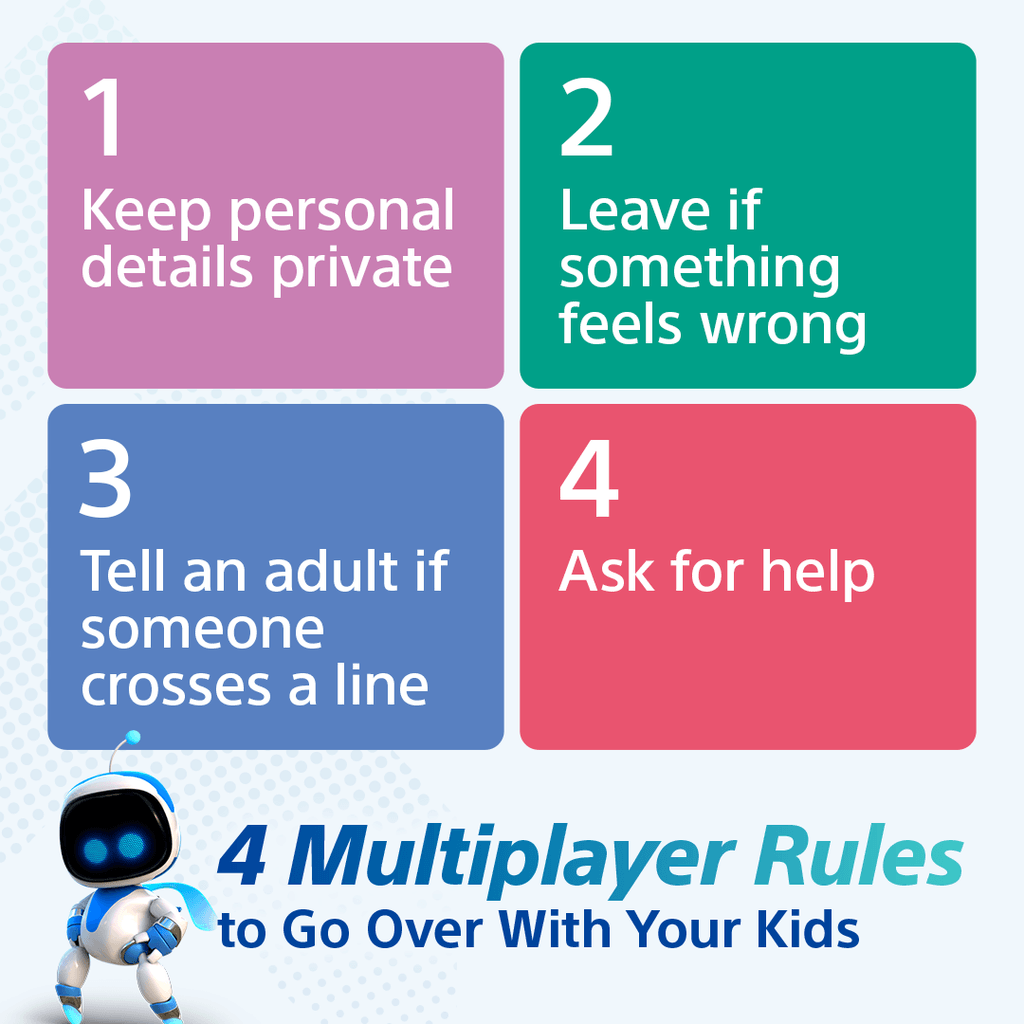
Four Multiplayer Rules to Go Over With Your Kids
- Keep personal details private. Don’t share information that could identify you, locate you, or give someone access to your account.
- Leave if something feels wrong. You can stop responding, leave the game, mute, or block. You don’t have to argue back.
- Tell an adult if someone crosses a line. Especially if someone asks personal questions, wants to move the conversation somewhere private, or tells you to keep something secret.
- Ask for help. Coming to a parent or trusted adult is the right thing to do—and it shouldn’t automatically mean losing access to the game.
When Should Kids Mute, Block, or Report Another Player?
Your kids don’t have to put up with bad behavior just because it happens during a game. Make sure they know what their options are before they need them.
Mute when they simply don’t want to hear or see someone’s communication.
Block when they want to stop or limit further contact with another player.
Report when content or behavior may break the rules, such as harassment, threats, hate speech, or other prohibited conduct.
Sometimes more than one action makes sense. Your kid might block someone to stop the interaction and report the behavior if it crossed a line.
It’s worth showing them how these features work ahead of time. PlayStation provides built-in tools to block and report players when needed.
Knowing when to leave a bad interaction is part of becoming a confident multiplayer player. They don’t need to argue back, fix the situation themselves, or stay in a game that’s stopped being fun.
What Should Parents Set Up Before Their Kids Play Multiplayer Games?
Before your child jumps into multiplayer, take a few minutes to get the basics right: their account, communication settings, privacy controls, content access, spending, and playtime.
Start With a Child Account
A separate child account gives you more control over the experience than an adult or shared account. With PlayStation Family Management, you can set up individual accounts and choose permissions that make sense for each kid.
Review Communication Settings
Think about how you want your kids to communicate online. PlayStation parental controls can help you manage communication and user-generated content along with game access, spending, and setting playtime.
Pay particular attention to voice chat, text messaging, and other features that let players communicate directly.
It’s also worth checking the communication and privacy settings inside the games and apps your kids use. Multiplayer experiences can involve game-specific accounts, cross-platform features, or conversations that continue through another app or device, so one set of controls may not cover every interaction.
A good rule of thumb: review the console settings, the game settings, and any connected apps or services your kids use to communicate.
Check Privacy and Friend Settings
Review who can send your child friend requests, communicate with them, or see details such as your child’s online status and gaming activity. PlayStation privacy settings let families adjust these options and manage which settings kids can change themselves.
Make It Easy to Check In Later
Settings shouldn’t be something you configure once and forget about. The PlayStation Family app gives parents a convenient way to manage family settings and stay connected to their kids’ play from a phone.


What Should Parents Do When Something Goes Wrong?
If your kid has a bad experience online, start by helping them get out of the situation.
Ask what happened. Stop any unwanted communication. Save messages or other details if they may be needed, then block or report the player where appropriate. You can also revisit privacy or communication settings if something needs to change.
How you react matters. Keep an open conversation on gaming with your child so they know they can come to you and ask for help if they need it.
Make it clear that asking for help was the right move.
If the situation involves a serious threat or concern for someone’s safety, use the appropriate reporting and support channels and seek additional help when necessary. If threats or emergencies escalate to a dangerous level, contact your local police department.
How Can Parents Keep Their Kids Safe Without Hovering?
You don’t need to understand every map, character, or game mechanic to stay involved in your kids’ multiplayer experiences.
Start with curiosity.
Consider setting up your child’s gaming space in a place where you can easily check in with them.
Ask who they like playing with. Find out what makes someone a good teammate. Watch a match once in a while—or play one together. And don’t save every gaming conversation for when something goes wrong.
Questions like these can tell you a lot:
- “Who do you usually play with?”
- “What makes someone fun to play with?”
- “What would you do if someone kept bothering you?”
- “Can you show me how you block someone?”
The more normal these conversations feel, the easier it can be for your kids to bring up something uncomfortable.
For PlayStation families, the PlayStation Family app can also help you stay connected to their play and manage family settings from your phone.
Try This Five-Minute Multiplayer Safety Check
You don’t need a complicated family rulebook. Before your kids start their next multiplayer game, spend five minutes checking these five things together:
- Understand: How can players communicate in this game?
- Configure: Are privacy and communication settings right for your kid?
- Coach: Do they know what information should stay private?
- Respond: Can they show you how to mute, block, leave, or report?
- Revisit: Do your current family rules still make sense?
Think of it as a quick multiplayer tune-up:
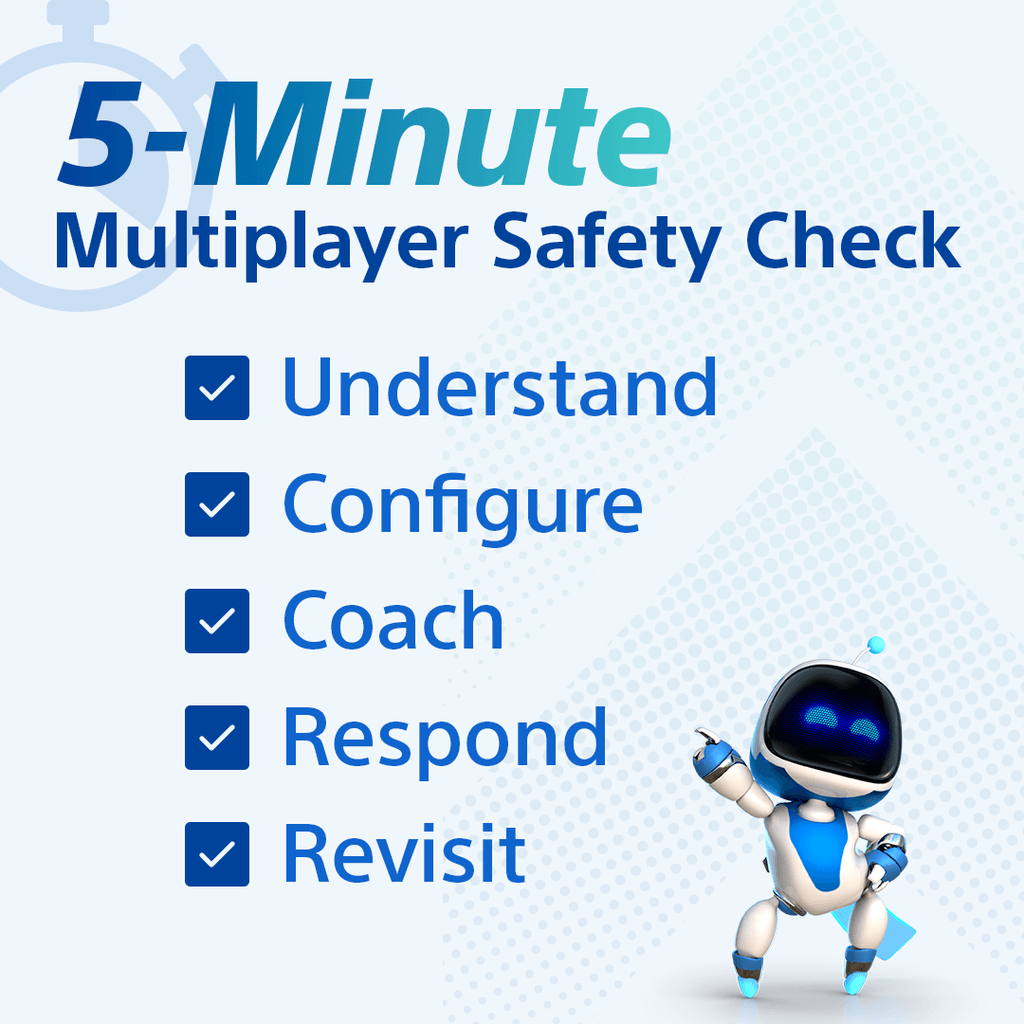
Understand. Configure. Coach. Respond. Revisit.
It’s simple enough to repeat whenever your kids start a new game or gain access to new social features.
Frequently Asked Questions About Multiplayer Gaming Safety for Kids
Is multiplayer gaming appropriate for kids?
Multiplayer gaming can be a fun, social experience for kids. What matters is choosing games and settings that fit their age and maturity, understanding who they can interact with, and making sure they know what to do when an interaction becomes uncomfortable.
Should kids only play multiplayer games with players they know?
For younger or newer players, people they know offline can be a good starting point. As your kids matures, gain experience and show good judgment, you can decide when it makes sense to give them more freedom to interact with other players.
What about voice chat?
Voice chat isn’t automatically right or wrong for every kid. Look at who can join the conversation, what controls are available, and whether your kid knows how to mute, leave, block, or come to you for help.
How often should I review multiplayer settings?
Review the settings whenever something changes—such as a new game, new communication features, or a new console—or when your child is ready for more independence. A quick review every so often can also help make sure old settings still fit.
Help Your Kids Become Smarter Multiplayer Players
You don’t have to become an expert in every game your kids love. Know how they’re connecting with other players, set boundaries that make sense for your family, and give them the skills to handle uncomfortable moments when they happen.
Ready to check your family settings? Download the PlayStation Family app to manage your family’s PlayStation experience from your phone.
And for more on how Sony Interactive Entertainment approaches safer play, explore our Online Safety resources.
Related Posts